
Agentic Zero Trust
Extends zero trust to every agent’s actions with a behavioral containment boundary

Agents Personas
Binds agents to a job description, defined tools, APIs, skills, and guardrails

Runtime Guardrails
Monitoring, logging, rate limiting, Prompt Guard, and sensitive data protection





| Capability | Why It Matters | Standard AI Gateway |  |
|---|---|---|---|
| What it connects and sees | |||
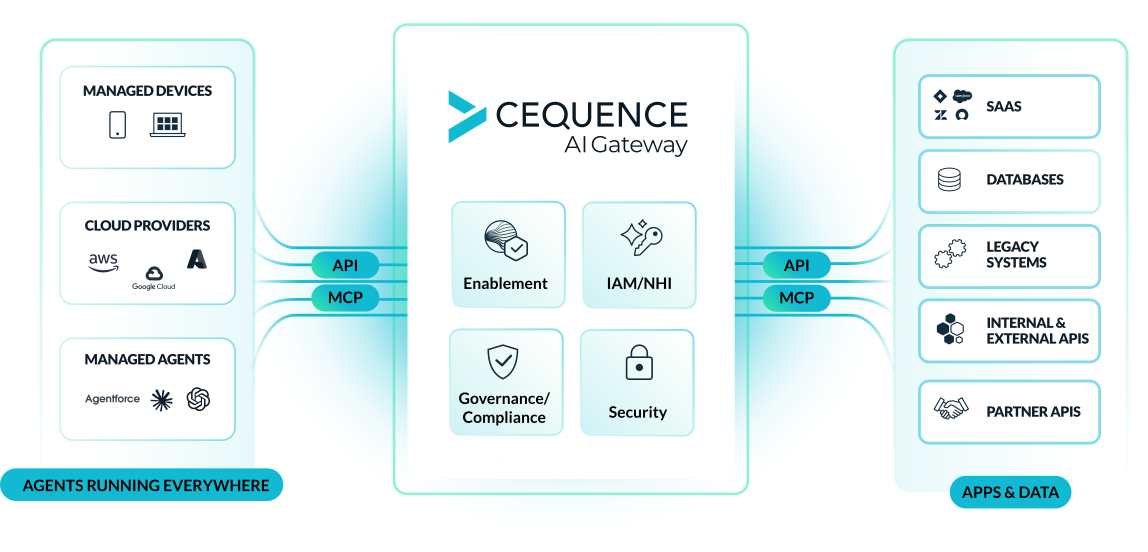
| AI and API discovery | You can't govern the unknown. Agents can reach undiscovered shadow models, APIs, and MCP endpoints. |  |  |
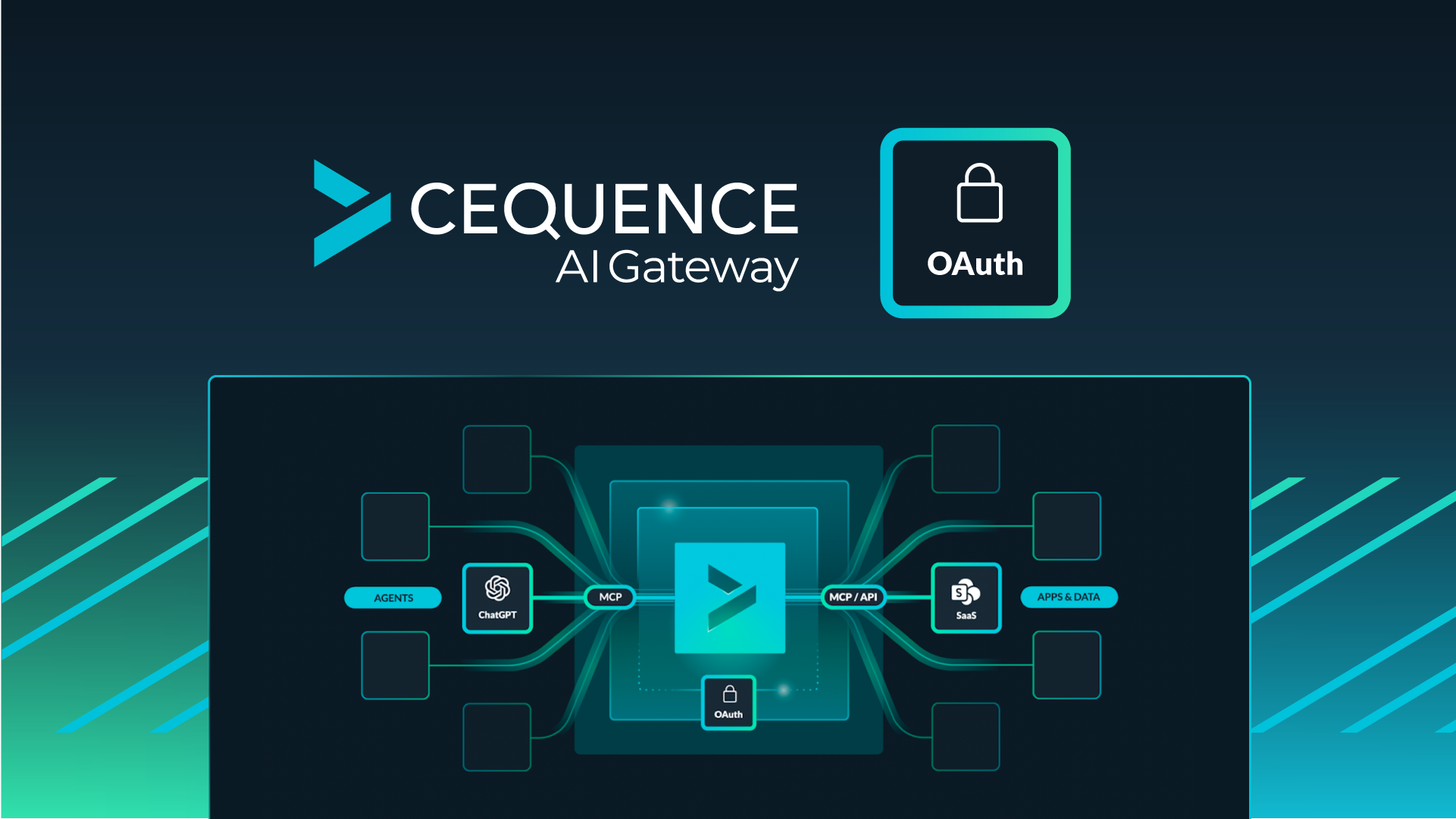
| Proxy MCP tool calls | MCP is the most common agent channel; every call should pass one control point. | | |
| Trusted MCP registry | Agents should reach only vetted MCP servers. | | |
| Proxy direct API calls | Agents call APIs directly, not only through MCP. That path needs governing. | | |
| Governed API registry | Code-writing agents build against API specs. One token, one registry keeps that in bounds. | | |
| Multi-model LLM routing | Routing and cost policies across models provide accountability and control. | | |
| Governing the agent as an insider | |||
| Agent Persona (the guardrail) | Agents need boundaries created from written job descriptions, ones that holds when the model does not. | | |
| Dynamically scoped access | Least-privilege access policies generated from job descriptions. | | |
| Behavioral Identity | Actions judged based on authentication (who) AND behavior (what). | | |
| Rogue agent containment | Agents go rogue with authentication alone, because every action is authorized. | | |
| Prompt injection protection | Semantic threat detection for override instructions, safety filter bypass, etc. | | |
| Token/spend limits | Controls that enforce model rate and spend limits. | | |
| Immediate detection | Agents have no warm-up window. Detection has to start at the first action. | | |
| Data protection | |||
| Contextual API and MCP sensitive-data detection | Sensitive data moves on every channel; pattern matching alone misses most of it. | | |
| Coverage across tool calls | Data leaks across a sequence of calls, not in one. A single-hook redaction fails the audit. | | |
| Immediate inline response action | Detection is not enough if you cannot act. | | |
| Enterprise | |||
| Secure self-service rollout | Security cannot sit in the path of every rollout without becoming the bottleneck. | | |
| Tool-level audit trail | Every tool call should be attributable. | | |
| Agent-level audit trail | Attribute behavior to the agent and its person, not just the call. | | |
| SIEM integration | Findings accessible from the tools your SOC already runs. | | |
| Latency | Inline enforcement should disappear into the latency the workflow already pays. | | |
| High availability | Enforcement in the request path must not be a single point of failure. | | |